
Ugreen
UGREEN M.2 NVMe to PCIe 3.0 ×4 Expansion Card, Add Compatible SSD Storage to a Desktop Computer
UGREEN CM302 M.2 NVMe to PCIe 3.0 x4 expansion card for adding an NVMe SSD to a desktop. Add storage, USB ports or a network connection to your desktop PC through a free PCIe slot. Genuine UGREEN quality for buyers in Nairobi and across Kenya.
Product Description Click to view
UGREEN M.2 NVMe to PCIe 3.0 ×4 Expansion Card, Add Compatible SSD Storage to a Desktop Computer
Product Description
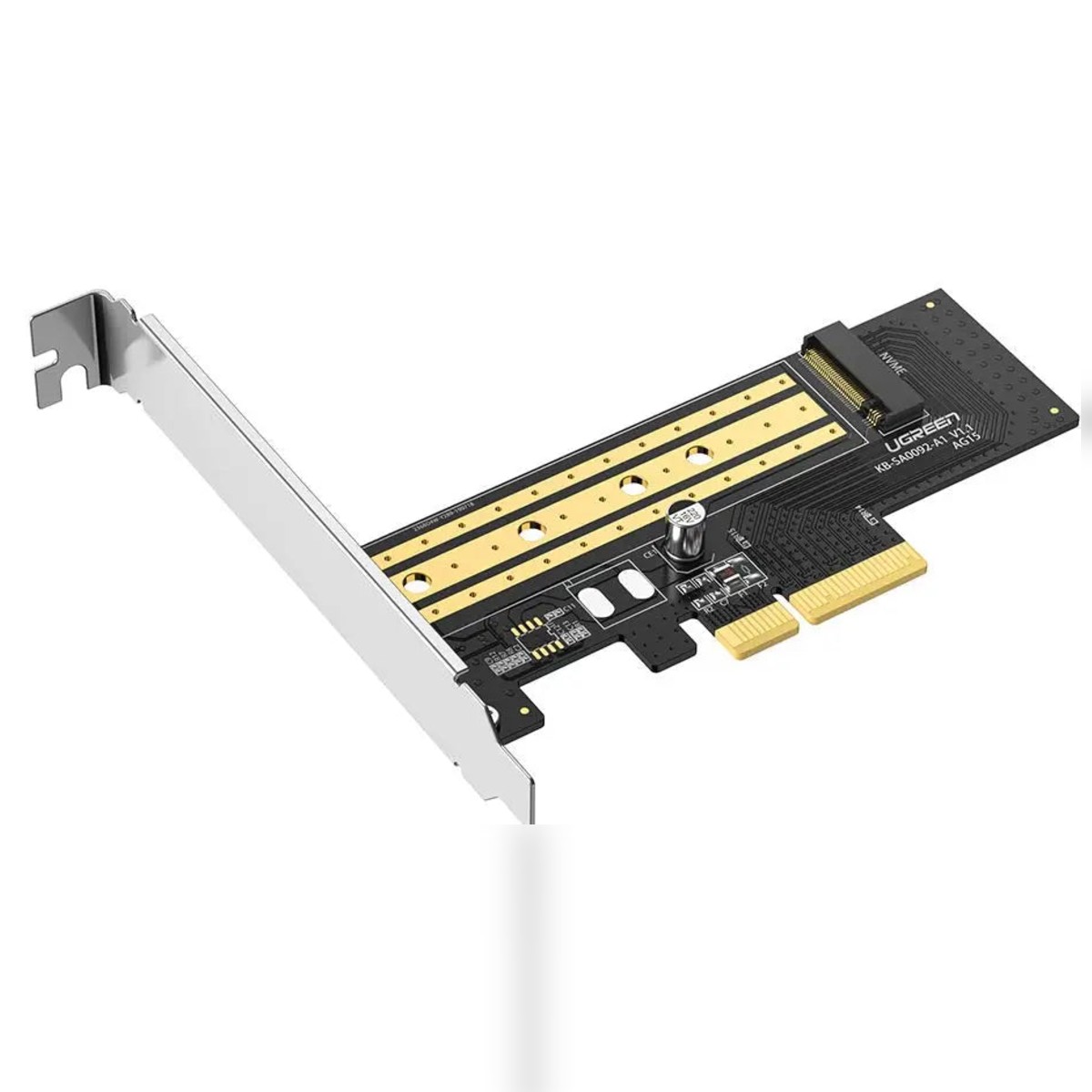
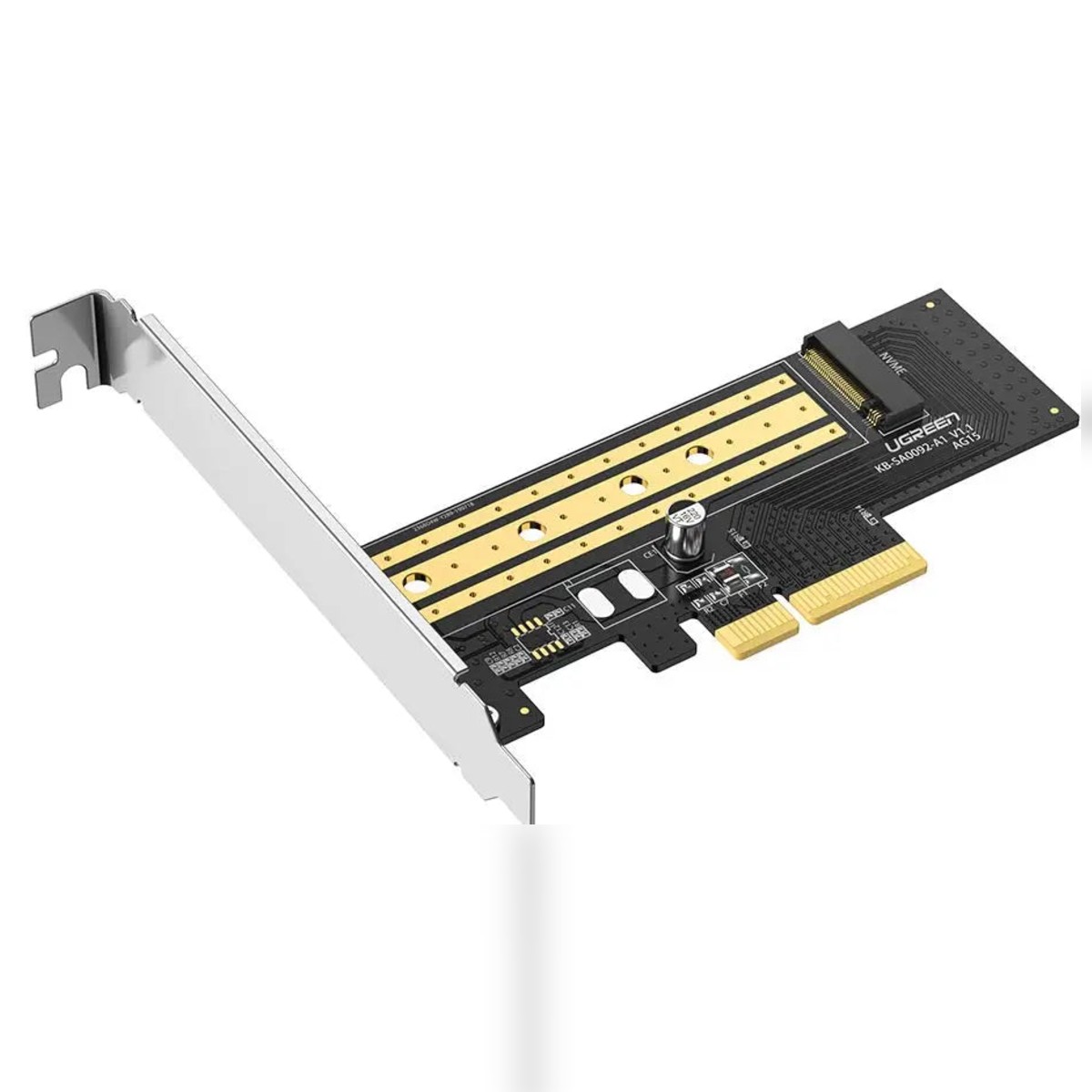
The UGREEN M.2 NVMe to PCIe 3.0 x4 Expansion Card CM302 lets a desktop computer use an M.2 NVMe SSD through a spare PCIe slot. It suits an older motherboard with no M.2 socket, or a build that needs more fast storage than the board provides.
Desktop PCs have limited ports and slots, and an upgrade card is the cleanest way to add them. The UGREEN CM302 M.2 NVMe to PCIe expansion card fits in a free PCIe slot and adds the connection named in the product title. It is made for desktop PC owners who need extra storage, USB ports or a wired network port.
Key Features and Benefits
- M.2 NVMe support: Adds an M.2 NVMe slot to a desktop PC.
- PCIe 3.0 x4 interface: Gives an NVMe SSD the lanes it needs, with listings quoting up to 32Gbps for the interface.
- Common SSD sizes: Supports 2230, 2242, 2260 and 2280 M.2 drives.
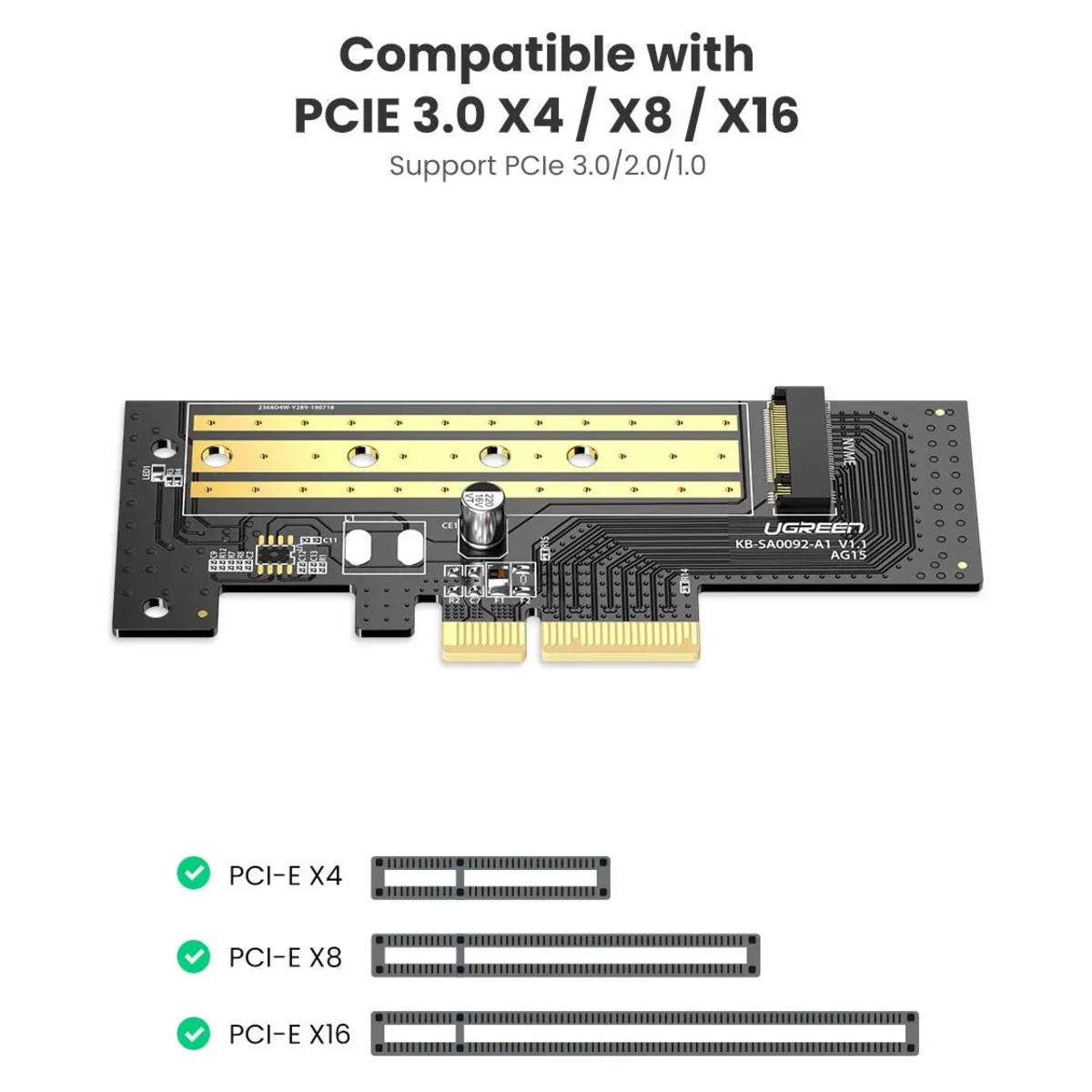
- Fits several slot sizes: Works in PCIe x4, x8 and x16 slots.
- Backward compatible: Described as working with PCIe 2.0 and 1.0 slots, at the lower speed of those slots.
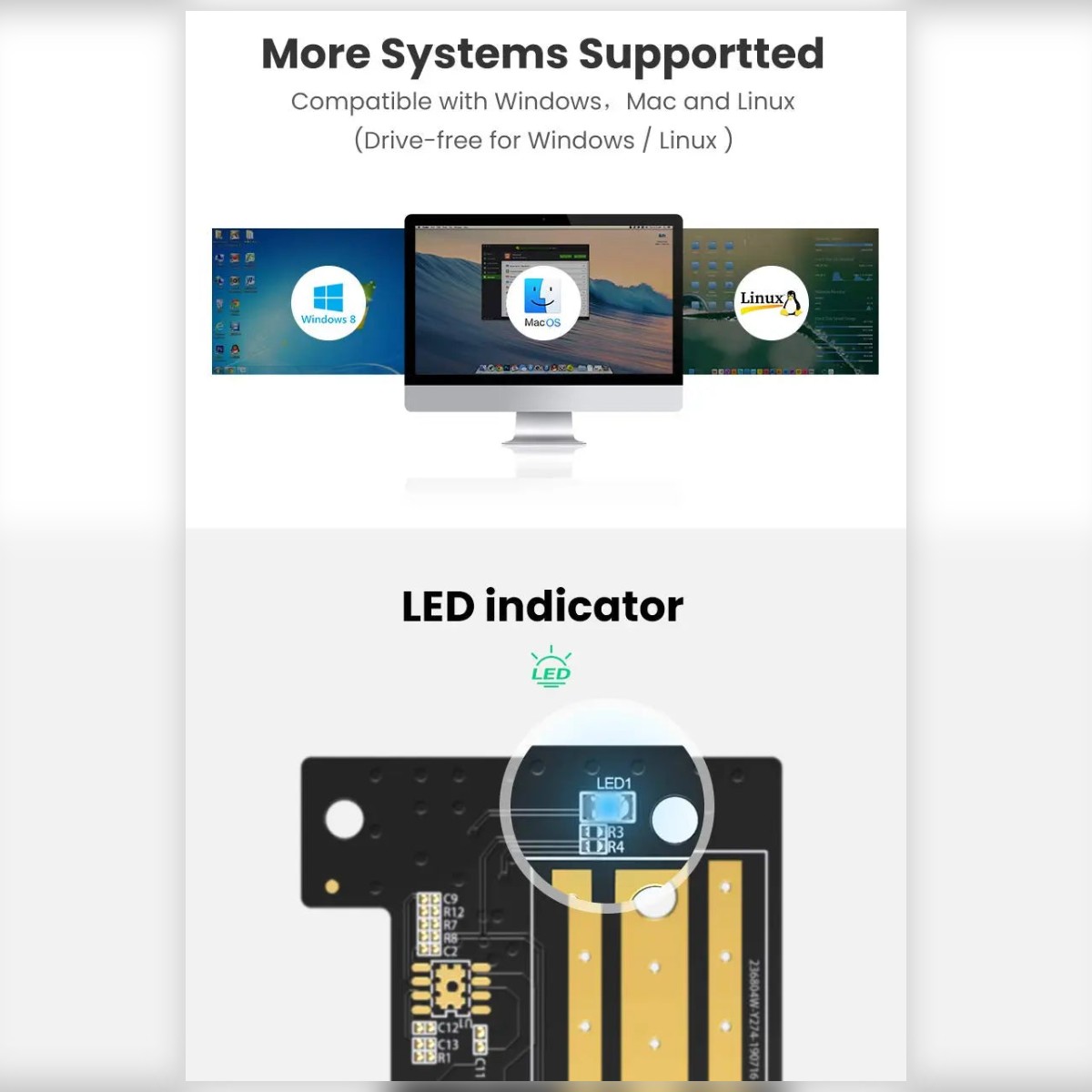
- Activity indicator: Listings mention an LED showing drive activity.
Made for Life in Nairobi and Across Kenya
Upgrade an office desktop with a faster SSD, add a network port to a PC at the back of a shop, or add USB ports for scanners and printers.
Buying and Setup Tips
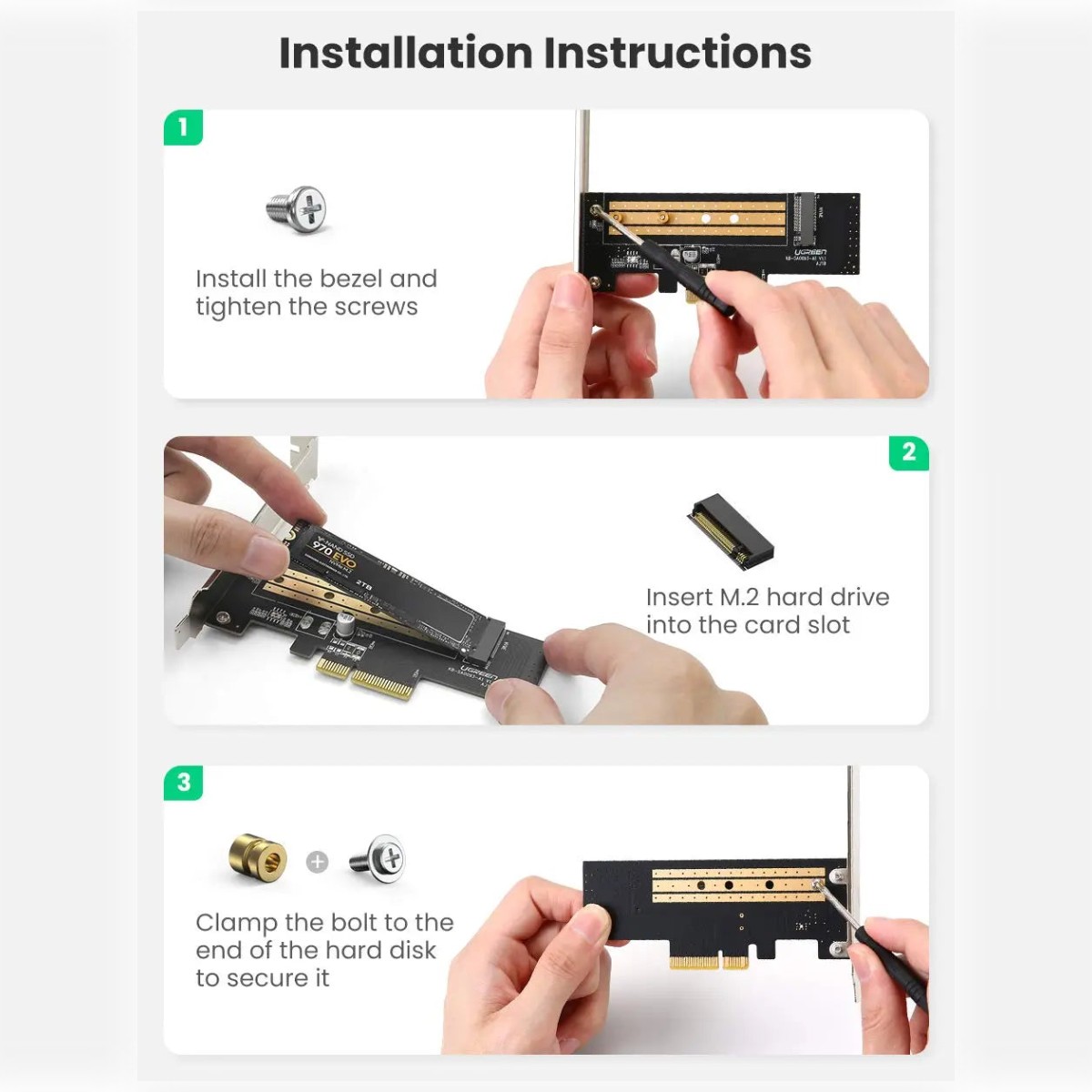
- Check that your PC has a free PCIe slot of the right size.
- Power the PC off and unplug before installing.
- Check driver support for your operating system.
- This card takes NVMe (M key) drives only.
- SATA M.2 drives will not work in it.
- To boot from the SSD your motherboard BIOS needs NVMe boot support, which older boards may lack.
Who It's Perfect For
- Desktop PC owners
- IT technicians and system builders
- Small offices
- Gamers and creators
Specifications at a Glance
- Brand: UGREEN
- Model: CM302
- Product type: M.2 NVMe to PCIe expansion card
- Interface: PCIe 3.0 x4
- Supported drives: M.2 NVMe, 2230 / 2242 / 2260 / 2280
- Operating systems: Windows and Linux
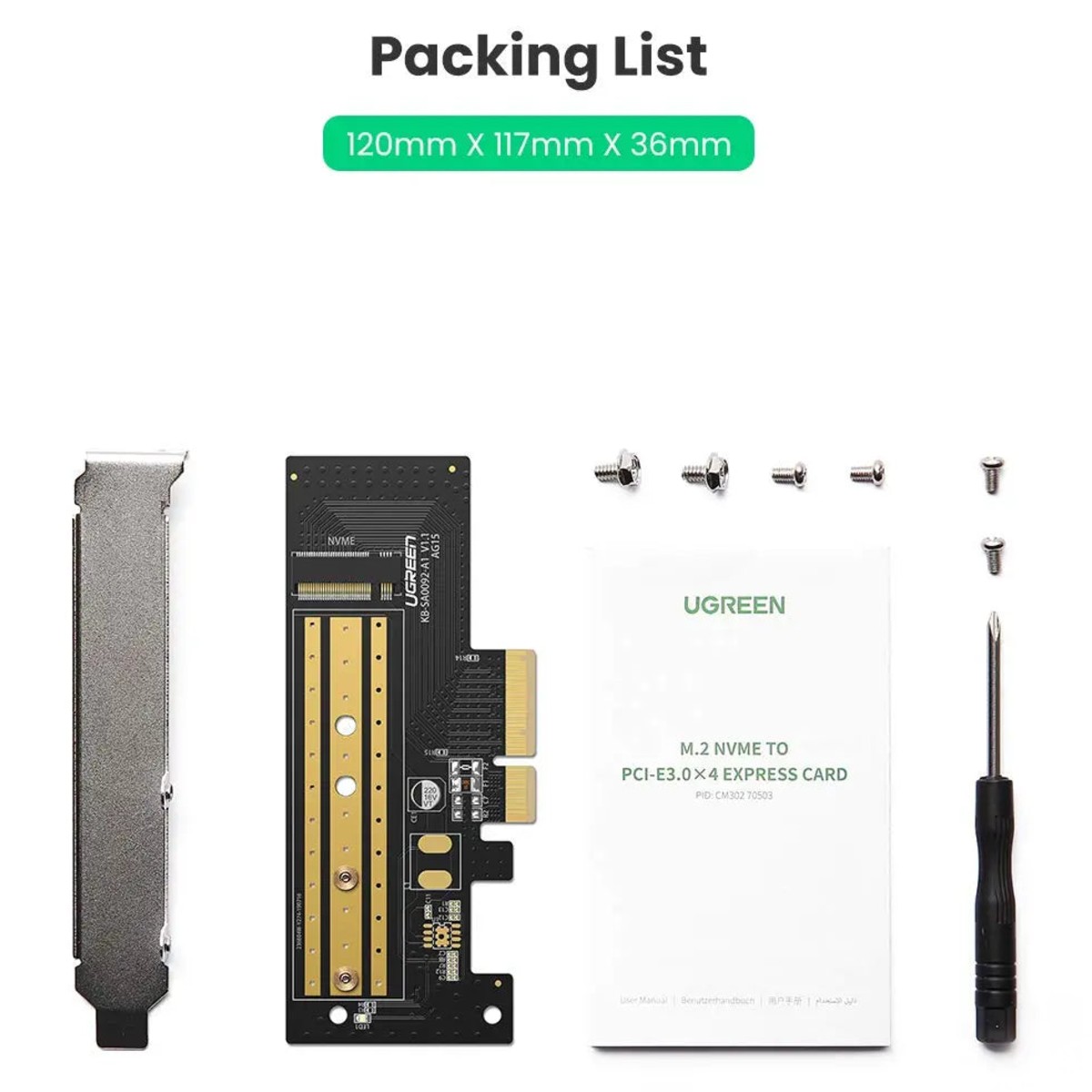
- Dimensions: About 138 x 123 x 25 mm
- Reference: UGREEN M.2 NVMe to PCI-E 3.0 × 4 Expansion Card - CM302
Frequently Asked Questions
Will it fit my PC?
It needs a free PCIe slot of the type named in the product title; open the case and check.
Do I need drivers?
Windows detects many network and USB cards automatically; use the manufacturer driver if yours does not.
Can I boot Windows from an SSD on this card?
Often yes on newer boards. Older boards may need a BIOS update or may not support NVMe booting.
Will it fit a low-profile case?
The listed 25 mm height implies a standard-height bracket, so check your case.
Does it work with SATA M.2 drives?
No, it is for NVMe drives.
Genuine UGREEN quality, ready for desktop computers (model CM302). A dependable choice for customers in Nairobi and across Kenya.