Ugreen
UGREEN 5-in-2 Dual USB-C MacBook Docking Station, 3x USB-A 3.0 + HDMI 4K UHD + 100W PD
UGREEN CM251 5-in-2 dual USB-C docking station: 4K HDMI, 3 x USB 3.0 and USB-C PD for MacBooks. Turn one USB-C port into HDMI, USB, Ethernet and card slots so your laptop works like a full desk setup. Genuine UGREEN quality, for buyers across Kenya.
Product Description Click to view
UGREEN 5-in-2 Dual USB-C MacBook Docking Station, 3x USB-A 3.0 + HDMI 4K UHD + 100W PD
Product Description
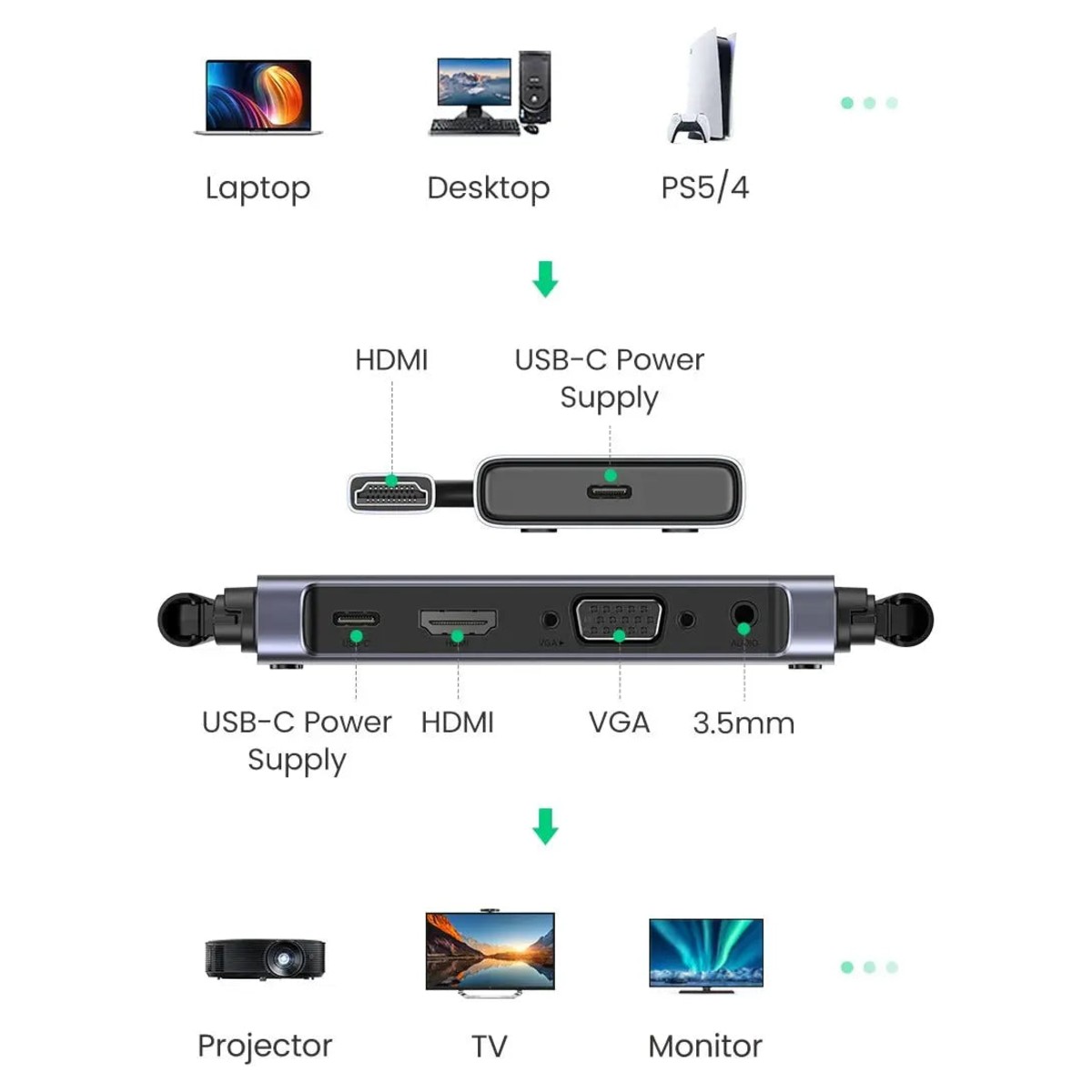
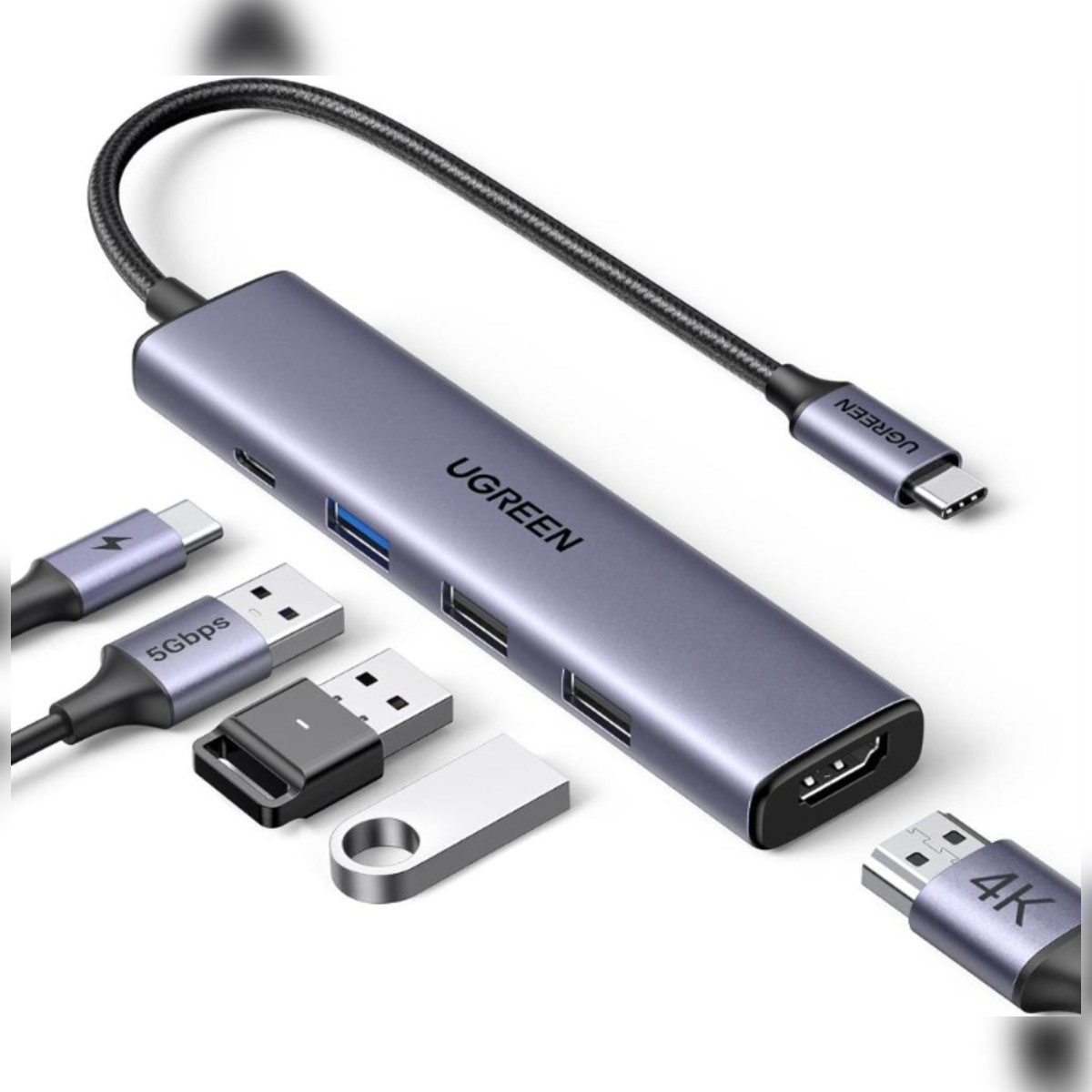
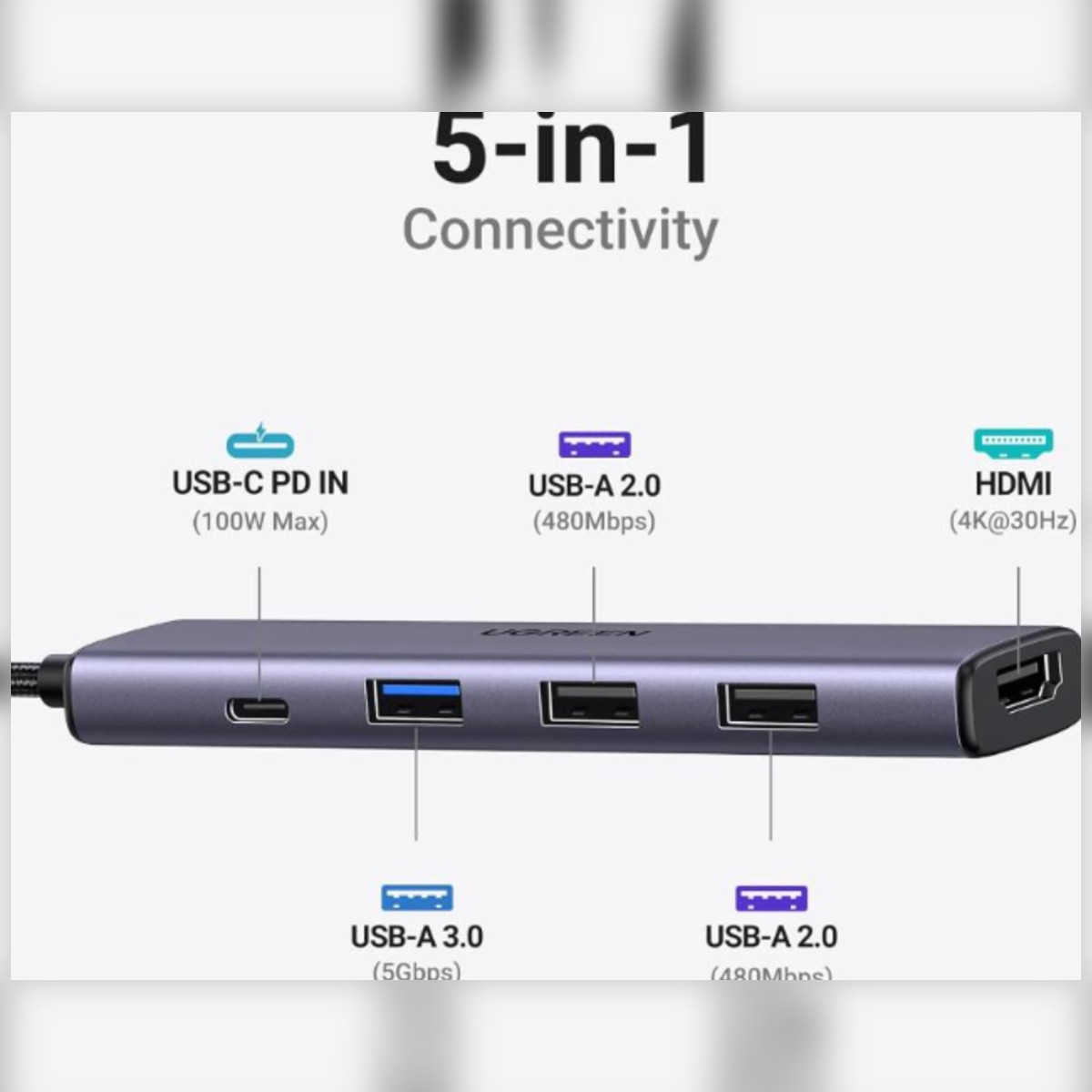
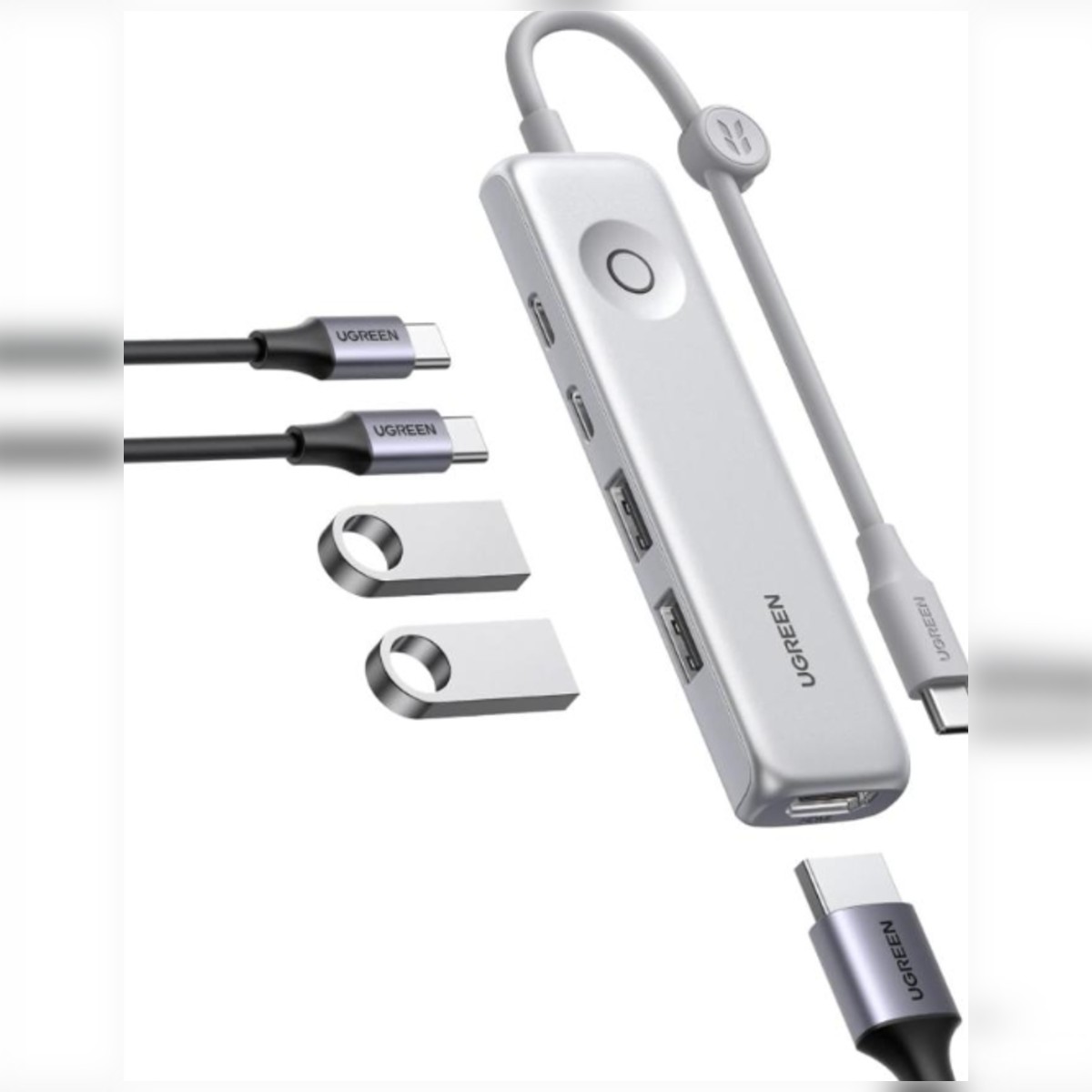
The UGREEN CM251 5-in-2 Dual USB-C Docking Station is aimed at MacBooks. It connects through two USB-C plugs and gives three USB-A 3.0 ports, a 4K HDMI output and a 100W PD USB-C port. Retail listings put the HDMI at 4K 30 Hz and the dock at around 112 x 28 x 85 mm.
Modern laptops have too few ports for a monitor, mouse, flash drive and network cable at the same time. The UGREEN CM251 USB-C docking station adds the ports you need through one USB-C connection, with 4K video output listed. It is made for laptop users whose slim laptop has only one or two USB-C ports.
Key Features and Benefits
- 5-in-2 expansion: One USB-C connection expands into the 5-in-2 set of ports named in the product title, so several accessories connect at once.
- HDMI video output: 4K listed. Your laptop USB-C port must support video output.
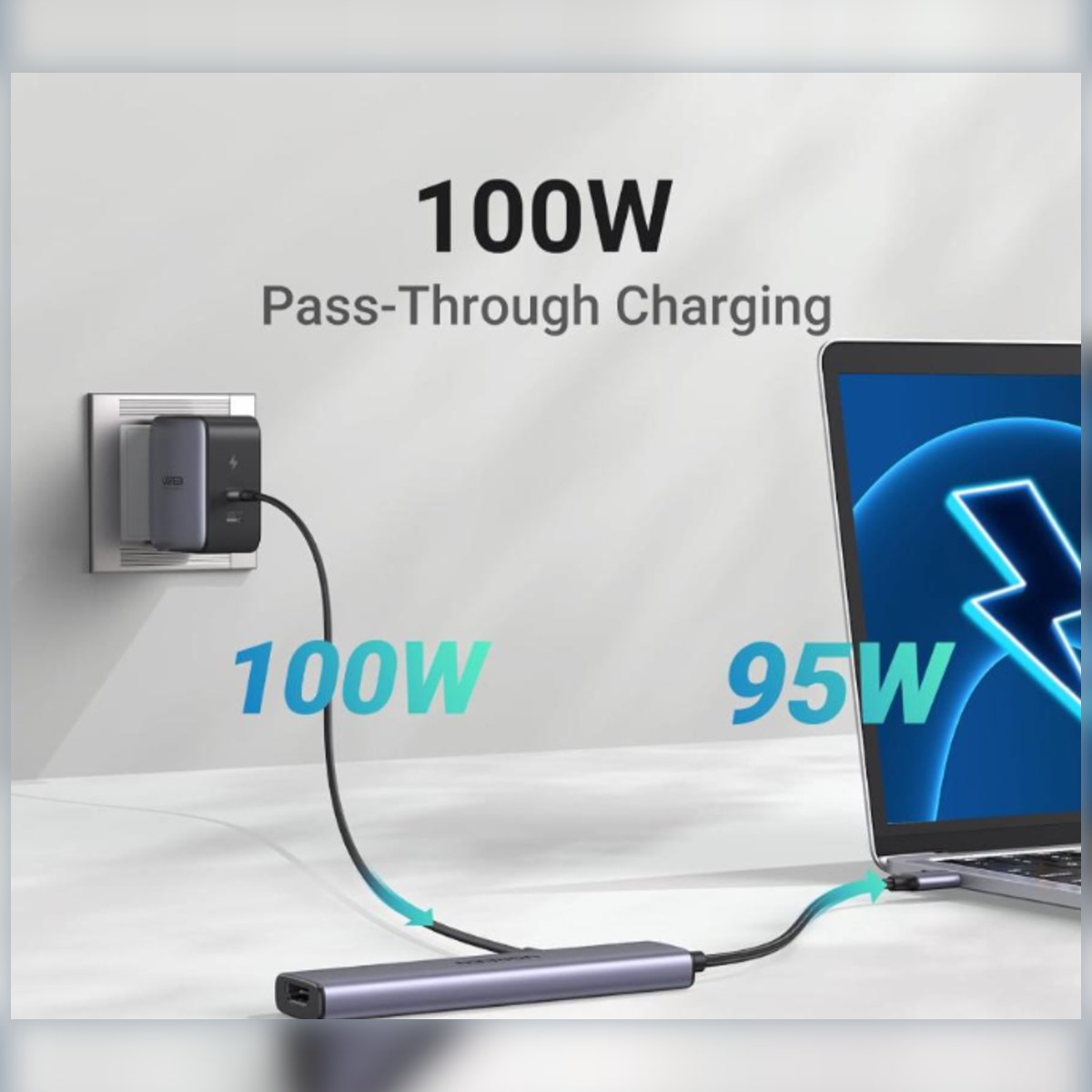
- Power Delivery pass-through: 100W PD charging is listed, so the laptop can keep charging while the hub is in use. Provide a suitable USB-C charger.
- Dual USB-C connection. Two plugs fit the paired ports on a MacBook.
- HDMI 4K. Up to 3840 x 2160 at 30 Hz per listings.
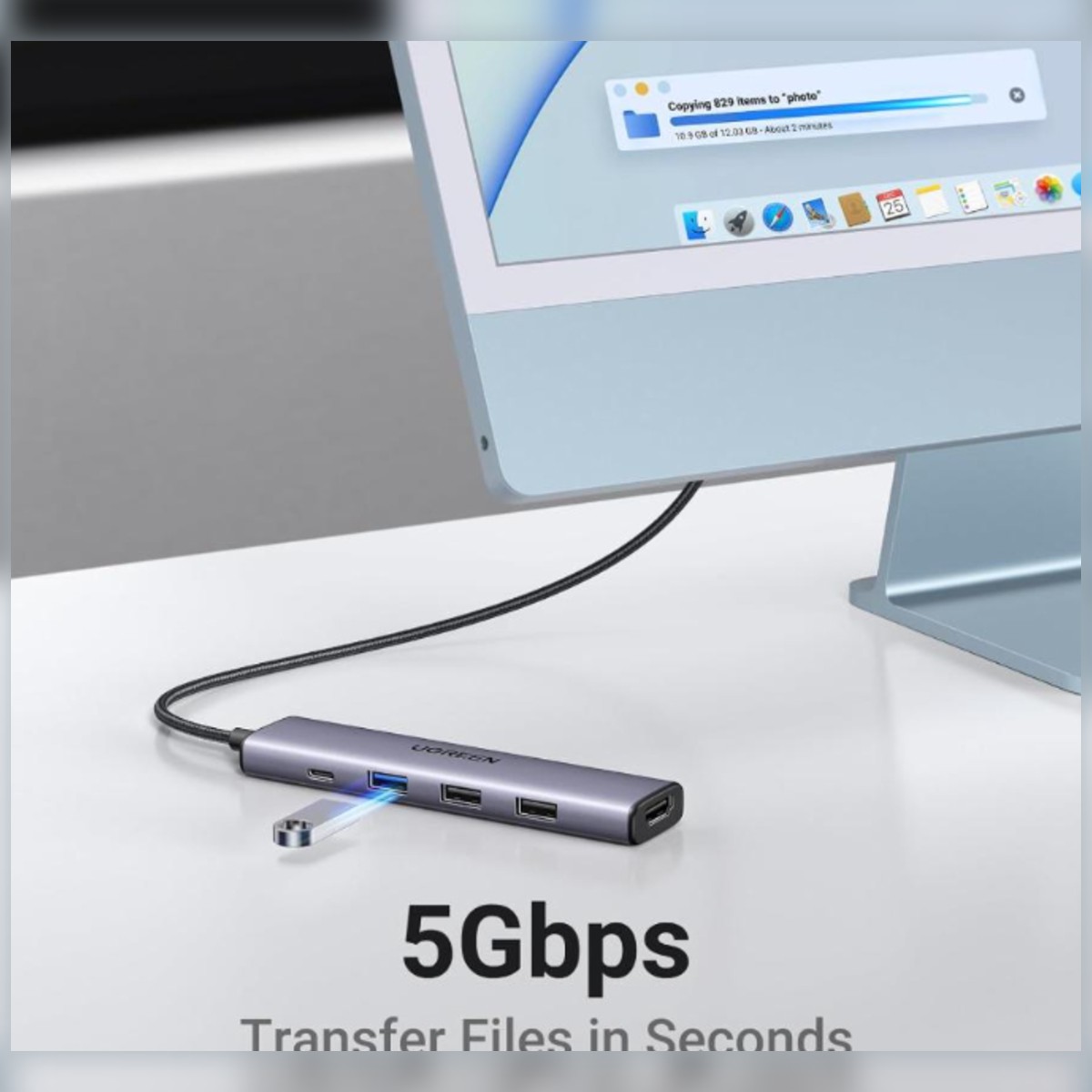
- Three USB-A 3.0 ports. Drives and peripherals at 5 Gbps.
- PD port. USB-C charging port, with the power figure quoted as 100W by some listings.
- Mac styling. Silver or grey finish.
Made for Life in Nairobi and Across Kenya
Plug a monitor, mouse and network cable into a slim laptop at a desk in Nairobi CBD, present from a projector at a client site, or move photos from a camera card to your laptop on the go.
Buying and Setup Tips
- Check that your laptop USB-C port supports video output and charging if you want those functions.
- Use a suitable USB-C charger if you want to charge the laptop through the hub.
- Count the ports you need now and leave a few spare.
- Retailer listings give both 60W and 100W for the USB-C port; check the packaging for the exact figure.
Who It's Perfect For
- Office workers with slim laptops
- Students and remote workers
- Photographers and editors who use card readers
- Presenters who plug into projectors
Specifications at a Glance
- Brand: UGREEN
- Model: CM251
- Product type: USB-C docking station
- Video resolution: 4K
- Power rating: 100W
- Port layout: 5-in-2
- Ports: 0
- USB-A: 3 x USB 3.0
- HDMI: 4K, 3840 x 2160 at 30 Hz
- Host: Dual USB-C
- Charging: USB-C PD
- Reference: UGREEN 5-in-2 (DUAL) USB-C MAC docking -USB-C TO 3 x USB-A 3.0 ports/HDMI 4k UHD(3840×2160)/100W PD - CM251
Frequently Asked Questions
Will it work with my laptop?
It needs a USB-C port. For video output and charging, the port must support those functions; check your laptop specifications.
Can I charge my laptop through it?
A 100W PD input is listed; use a charger that meets your laptop needs.
Which MacBooks work?
It is marketed for MacBook Pro and Air models with USB-C ports.
Does it charge the laptop?
Via the PD port, subject to the charger.
Genuine UGREEN quality, ready for laptops with few ports (model CM251). A dependable choice for customers in Nairobi and across Kenya.