Ugreen
UGREEN 7-in-1 USB-C Laptop Hub, HDMI, Gigabit Ethernet, 2 USB 3.0 Ports & SD/microSD Reader
UGREEN CM512 7-in-1 USB-C hub with HDMI, Gigabit Ethernet, two USB 3.0 ports and an SD/microSD reader. Turn one USB-C port into HDMI, USB, Ethernet and card slots so your laptop works like a full desk setup. Genuine UGREEN quality.
Product Description Click to view
UGREEN 7-in-1 USB-C Laptop Hub, HDMI, Gigabit Ethernet, 2 USB 3.0 Ports & SD/microSD Reader
Product Description
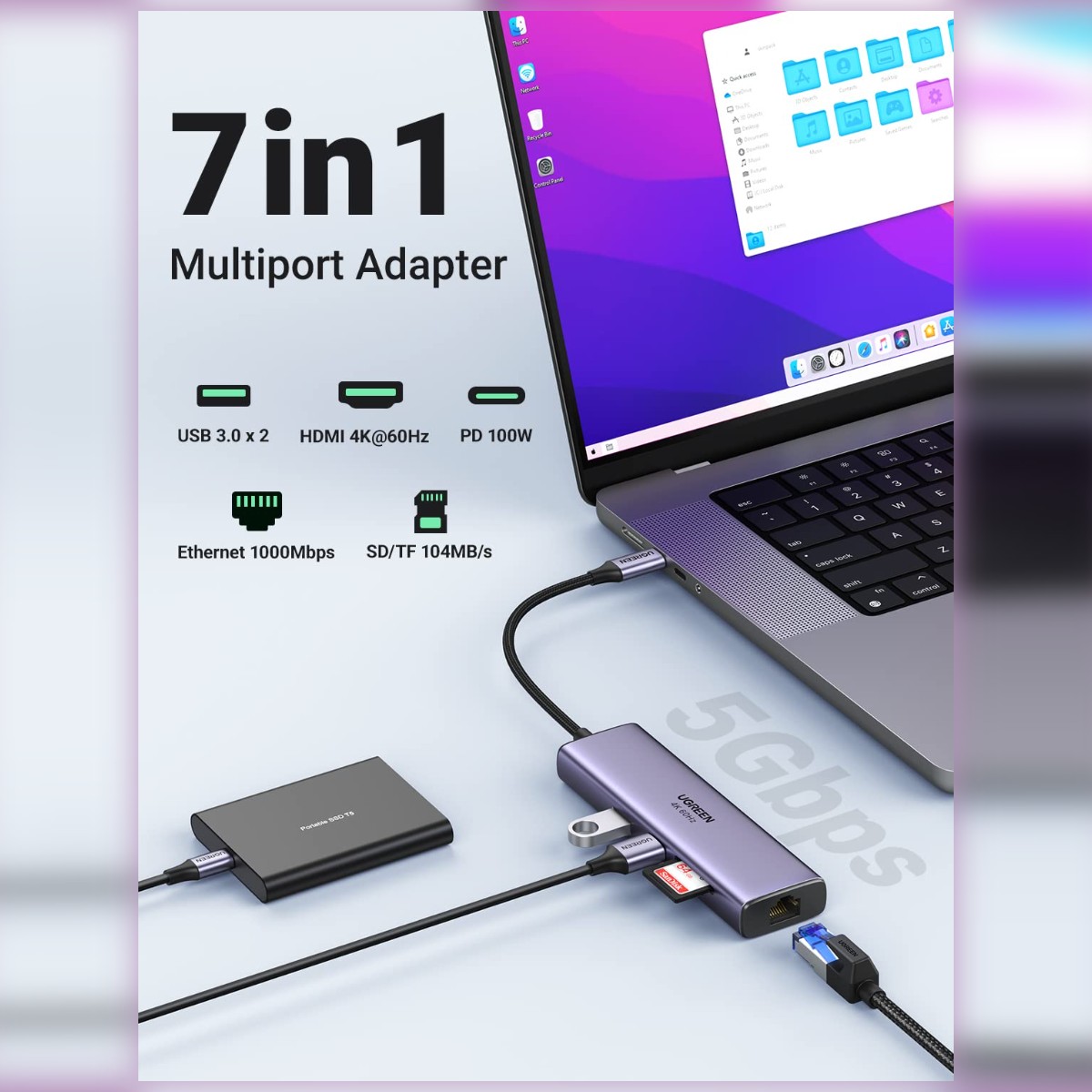
The UGREEN CM512 7-in-1 hub gives a USB-C laptop HDMI, Gigabit Ethernet, two USB 3.0 ports and an SD and microSD reader. This version is listed without a power-delivery port, so it is aimed at connecting a screen, network cable and storage rather than charging the laptop through the hub.
Modern laptops have too few ports for a monitor, mouse, flash drive and network cable at the same time. The UGREEN CM512 USB-C hub adds the ports you need through one USB-C connection. It is made for laptop users whose slim laptop has only one or two USB-C ports.
Key Features and Benefits
- 7-in-1 expansion: One USB-C connection expands into the 7-in-1 set of ports named in the product title, so several accessories connect at once.
- Wired network: Gigabit Ethernet port for a stable wired connection.
- Card slots: SD and microSD slots for photos and files from cameras and phones.
- USB data ports: USB 3.0 data ports for flash drives, hard drives and peripherals.
- Gigabit Ethernet: a 10/100/1000Mbps wired link for stable calls and quick large downloads.
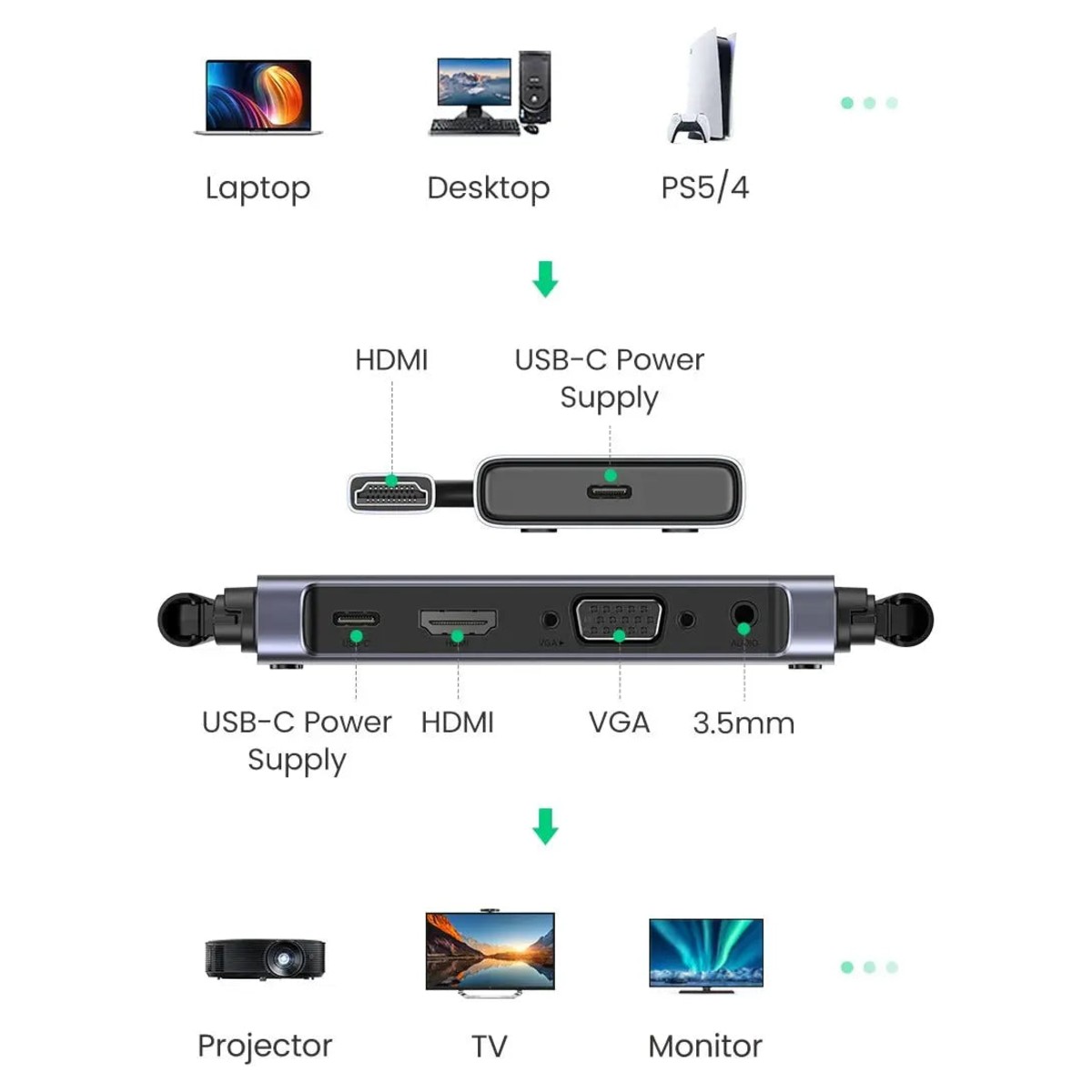
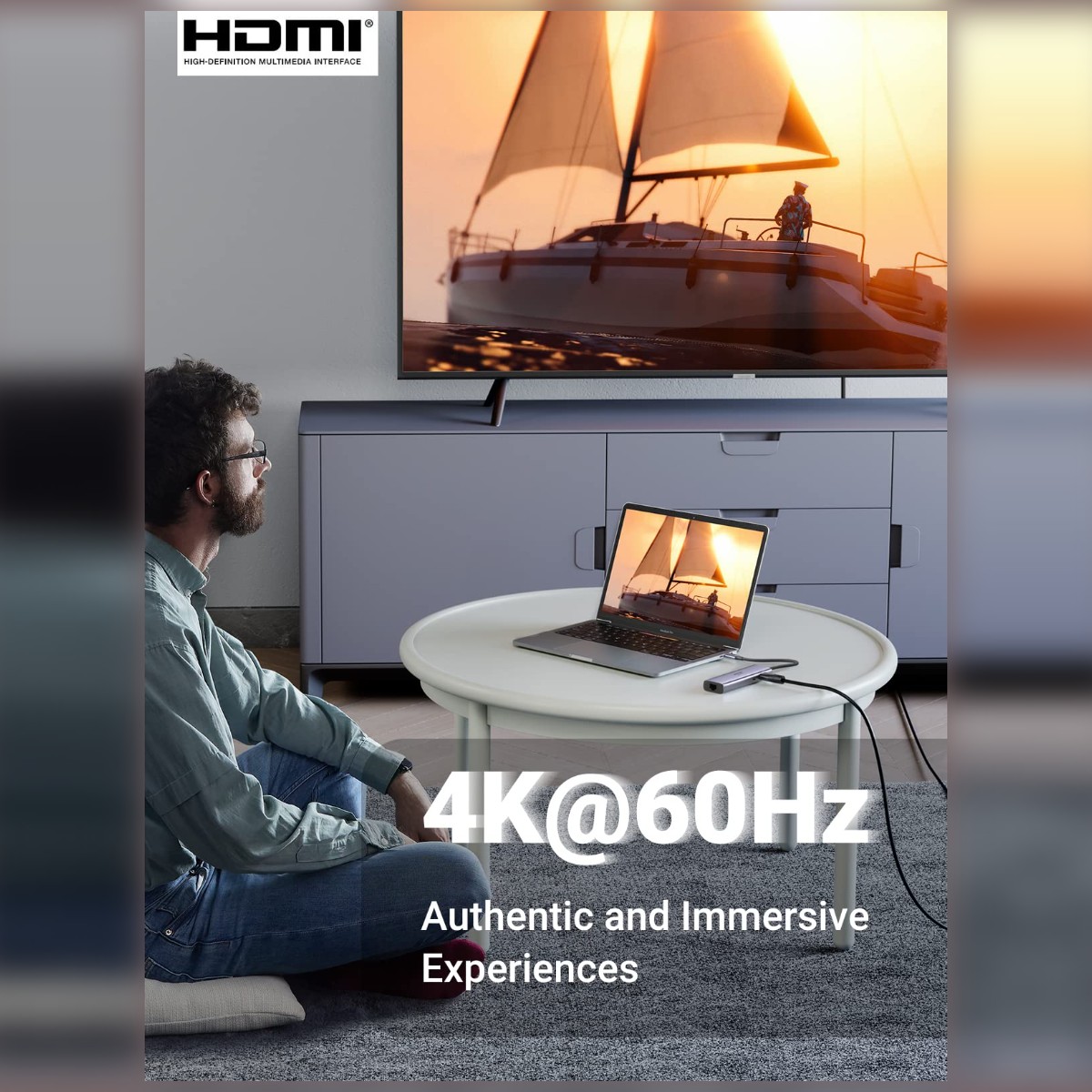
- HDMI output: extend or mirror the laptop to a monitor, TV or projector.
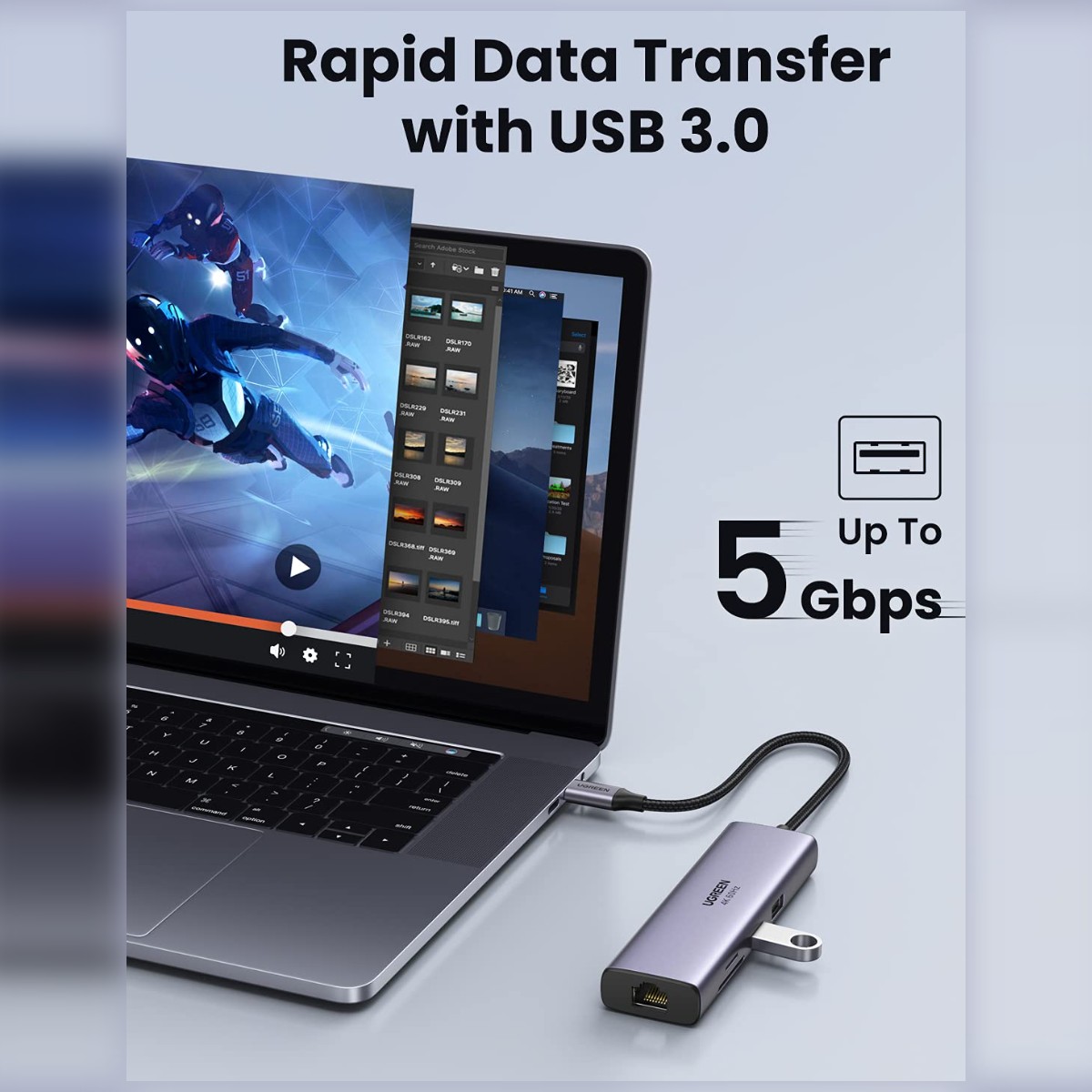
- Two USB 3.0 ports: a mouse and a flash drive or external disk at up to 5Gbps.
- SD and TF readers: copy from camera and phone memory cards without extra adapters.
Made for Life in Nairobi and Across Kenya
Plug a monitor, mouse and network cable into a slim laptop at a desk in Nairobi CBD, present from a projector at a client site, or move photos from a camera card to your laptop on the go.
Buying and Setup Tips
- Check that your laptop USB-C port supports video output and charging if you want those functions.
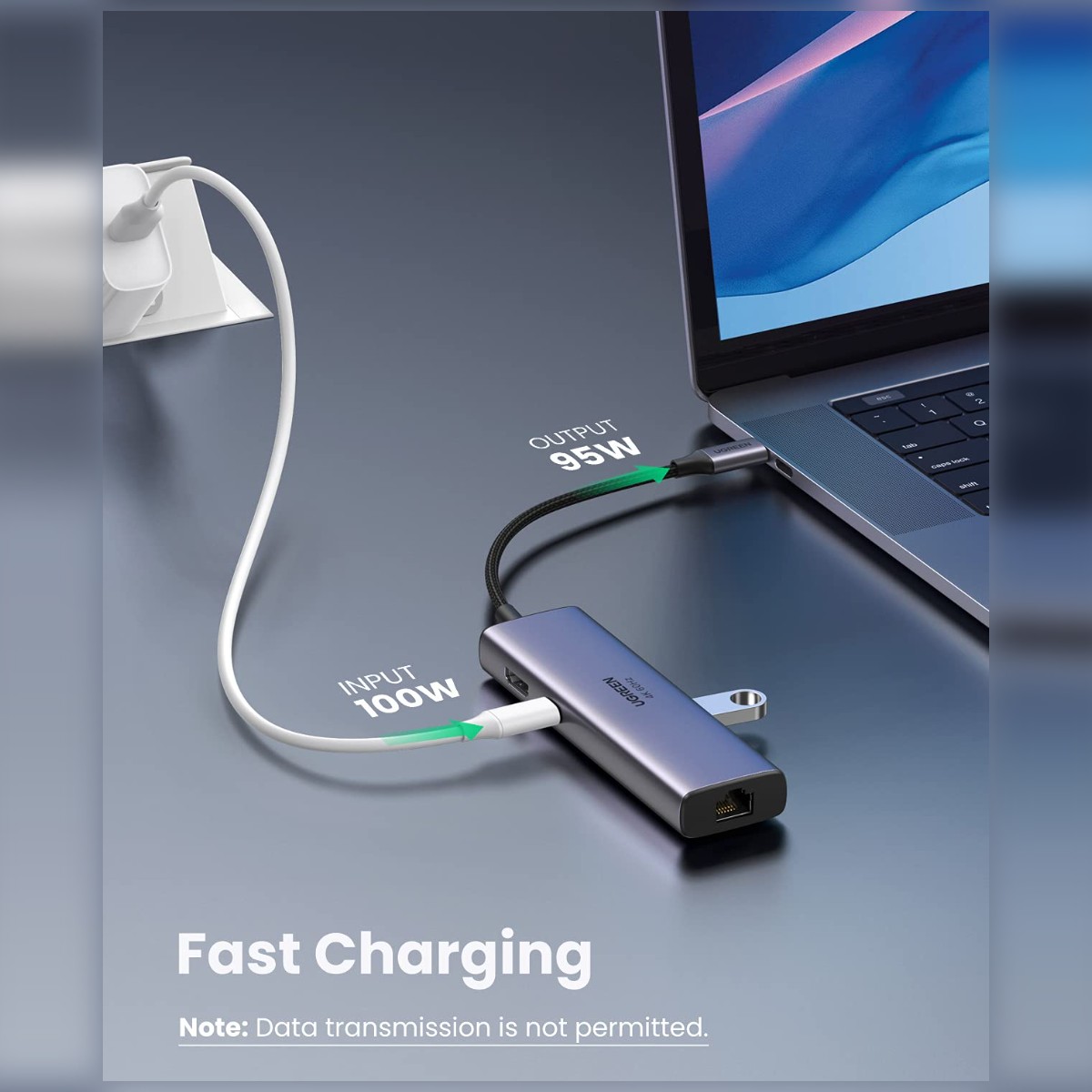
- Use a suitable USB-C charger if you want to charge the laptop through the hub.
- Count the ports you need now and leave a few spare.
- This listing does not include a PD charging port, so keep the laptop's own charger connected when working for long sessions.
- If you want charging through the hub, look at the CM512 versions that name a PD port.
Who It's Perfect For
- Office workers with slim laptops
- Students and remote workers
- Photographers and editors who use card readers
- Presenters who plug into projectors
Specifications at a Glance
- Brand: UGREEN
- Model: CM512
- Product type: USB-C hub
- Ethernet speed: Gigabit (10/100/1000Mbps)
- Port layout: 7-in-1
- Ports: 0
- USB standard: 3.0
- HDMI: 1 × HDMI 2.0, up to 4K60
- USB-A: 2 × up to 5Gbps
- Network: Gigabit Ethernet
- Cards: SD + TF/microSD, up to 104MB/s advertised
- PD input: Up to 100W; host output below input
- Dimensions: Approximately 110 × 195 × 17.5mm as listed
- Listed weight: Approximately 119.6g
- Host requirement: USB-C DP Alt Mode; DP 1.4 for 4K60
- Video: HDMI
- USB: 2 x USB 3.0
- Card readers: SD and TF (microSD)
- Reference: UGREEN 7 In 1 Hub Multifunction Adapter , Usb-c To Usb 3.0 (2 Ports) + Hdmi + Gigabit Ethernet + Sd & Tf Card Reader - CM512
Frequently Asked Questions
Will it work with my laptop?
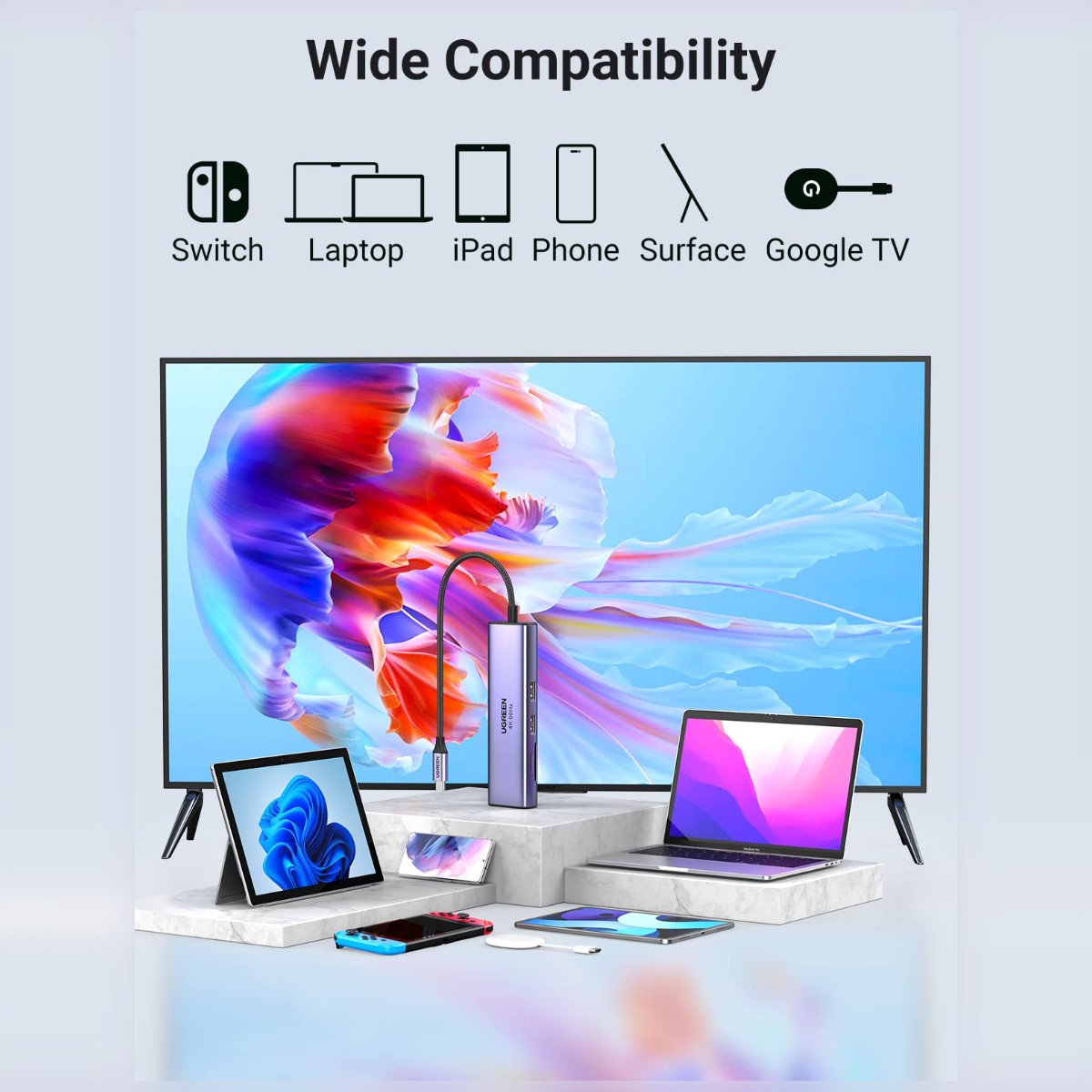
It needs a USB-C port. For video output and charging, the port must support those functions; check your laptop specifications.
Can I charge my laptop through it?
Only models with a PD input pass charging through; check the product title.
Does it read microSD cards?
Yes, through the TF slot, alongside a full-size SD slot.
Genuine UGREEN quality, ready for laptops with few ports (model CM512). A dependable choice for customers in Nairobi and across Kenya.