Ugreen
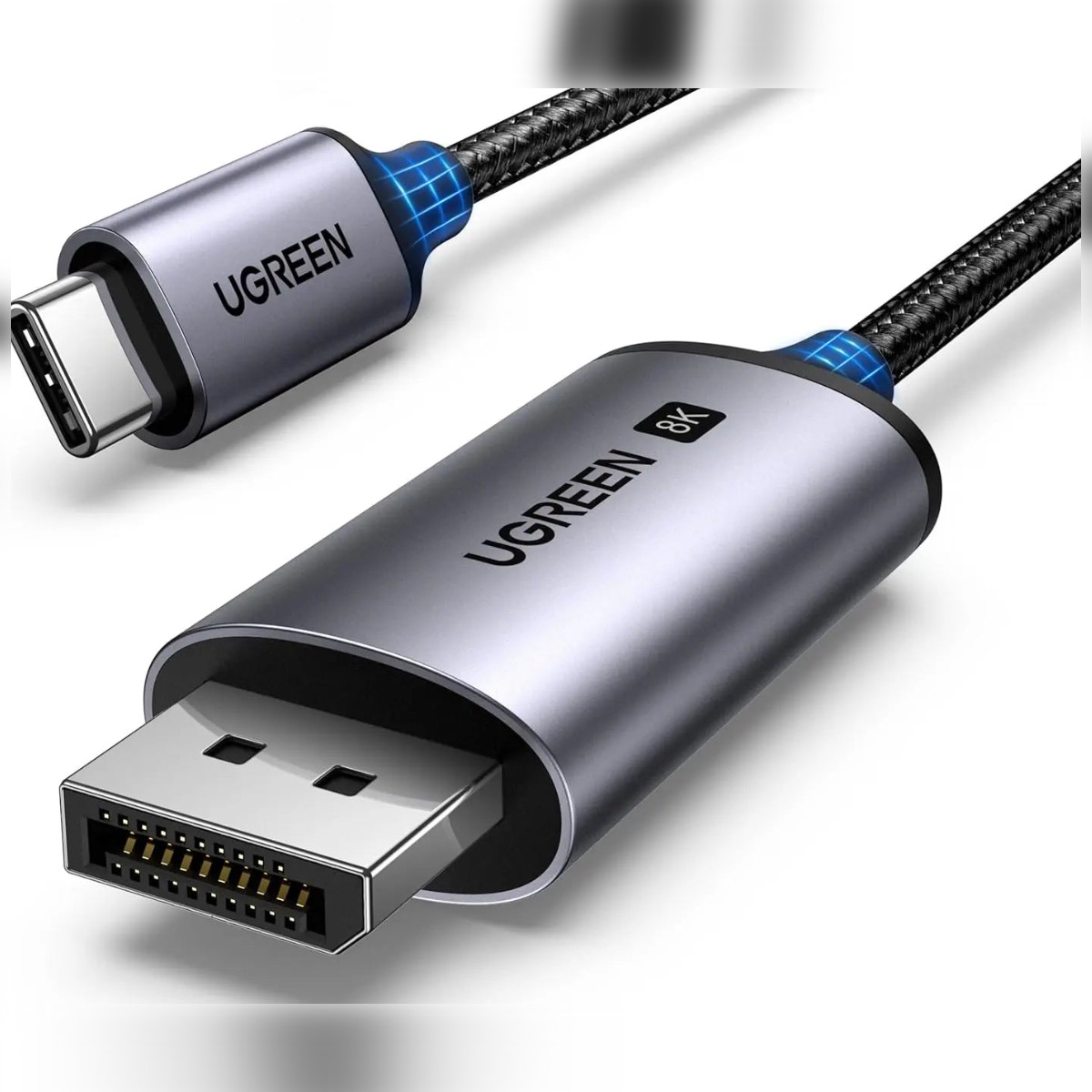
UGREEN USB-C to DisplayPort 8K @60Hz 4K @ 240Hz Cable 3m, For Compatible Monitor & Display Connections
UGREEN CM556 3 m USB-C to DisplayPort cable for 8K at 60Hz and 4K at 240Hz, for monitors placed further from the PC. Drive a monitor or second screen from your laptop or PC and see more of your work at once. Genuine UGREEN quality.
Product Description Click to view
UGREEN USB-C to DisplayPort 8K @60Hz 4K @ 240Hz Cable 3m, For Compatible Monitor & Display Connections
Product Description
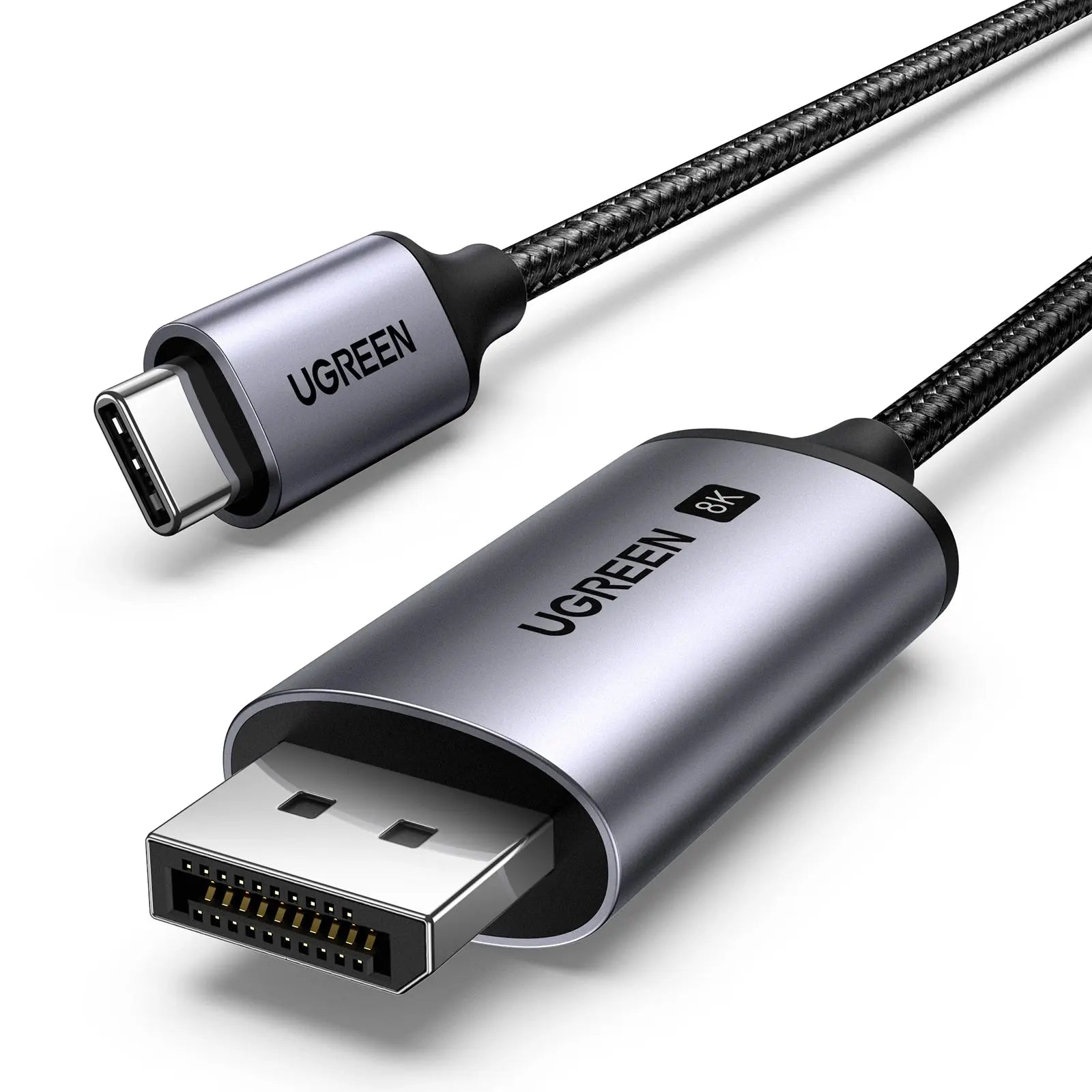
The UGREEN CM556 3 m cable links a USB-C source to a DisplayPort display up to 3 metres away, and carries 8K at 60Hz or 4K at 240Hz. The longer reach is useful when the PC or laptop sits under the desk or across the room.
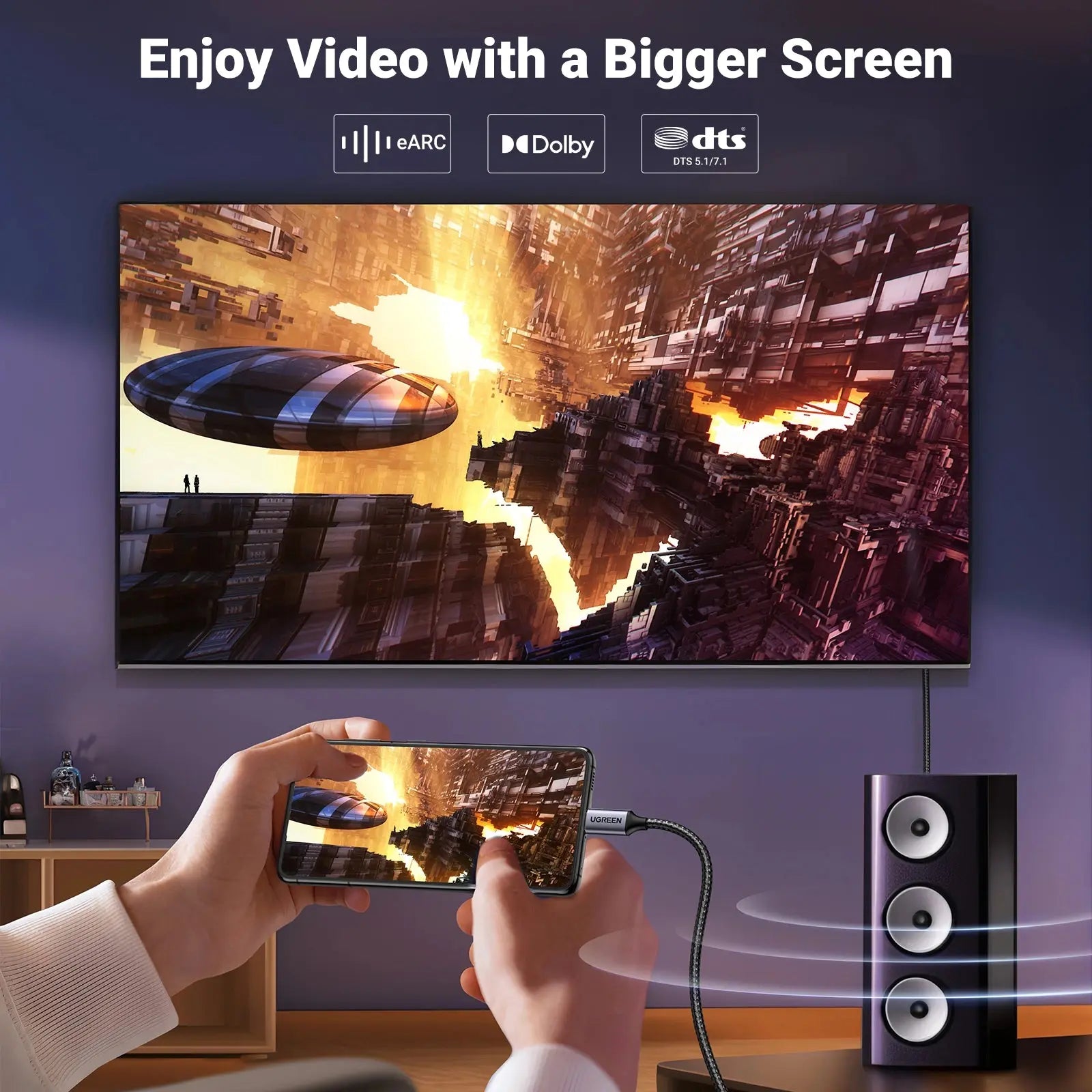
One small screen limits how much you can see, and a mismatched cable gives you a blank display. The UGREEN CM556 USB-C to DisplayPort cable links your computer to a monitor so your desktop appears on the larger screen, with 8K listed. It is made for people who work with an external monitor or a second screen.
Key Features and Benefits
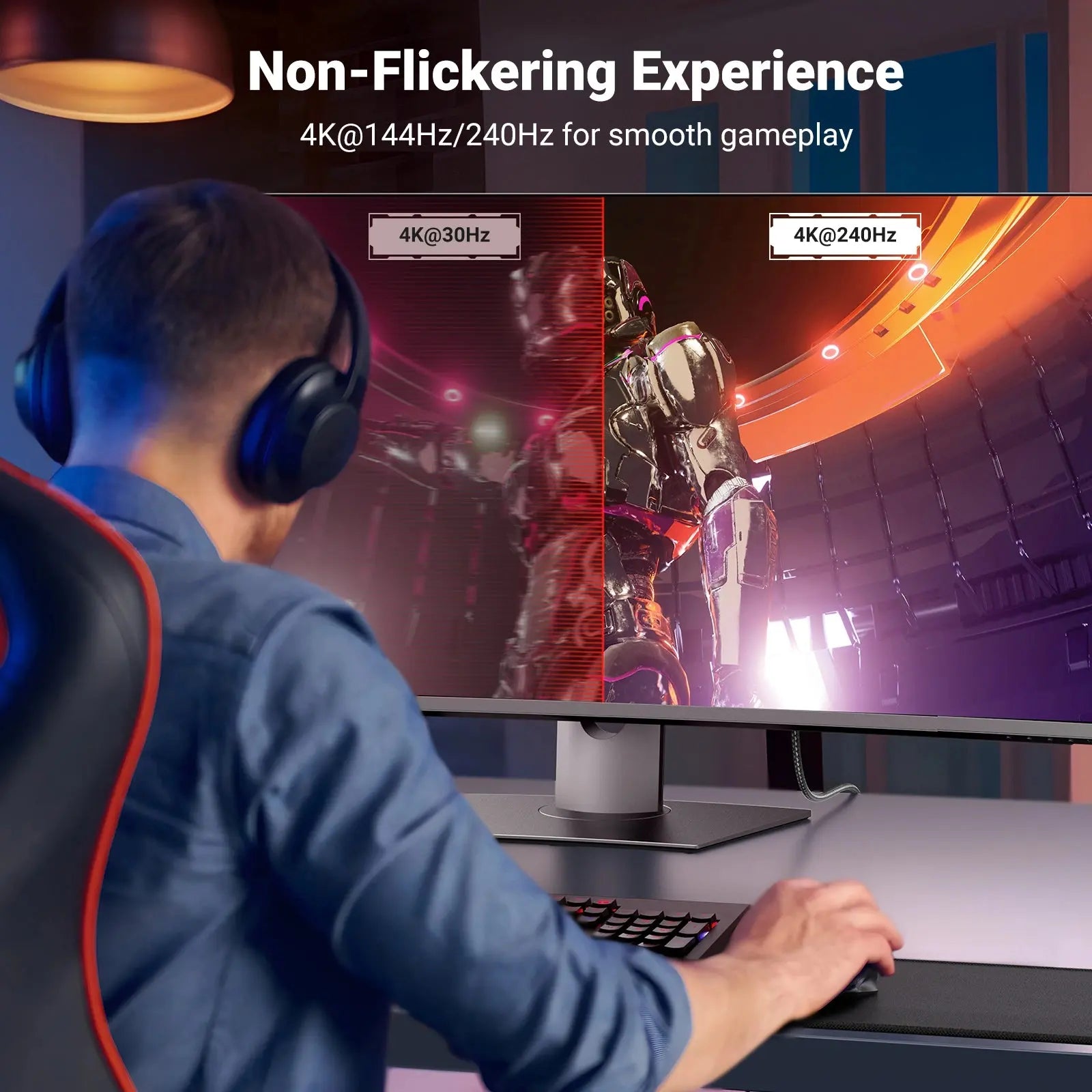
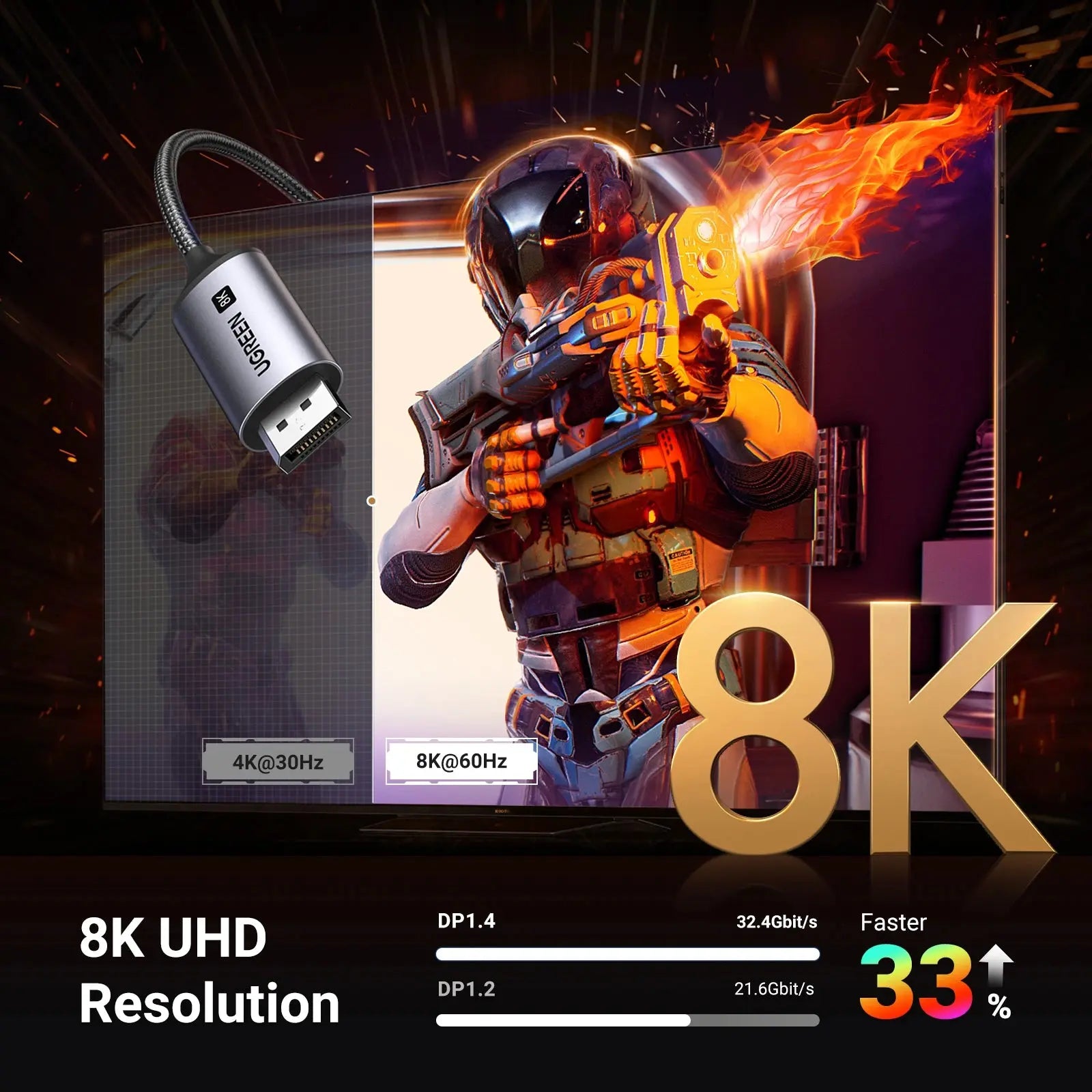
- Display resolution: Listed for 8K at 60Hz. The monitor and the computer port must also support that mode.
- 3m length: 3m between computer and monitor gives you room to position the display where you want it.
- USB-C connection: Connects to a USB-C port that supports video output (DisplayPort Alt Mode) and carries the picture to a DisplayPort monitor.
- Digital video connection: DisplayPort is a digital video connection used on many monitors and graphics cards.
- Long reach: 3 m lets the PC or laptop sit under the desk or across the room from the screen.
- Full-spec at length: listed for 8K at 60Hz and 4K at 240Hz, which is the same as the shorter version.
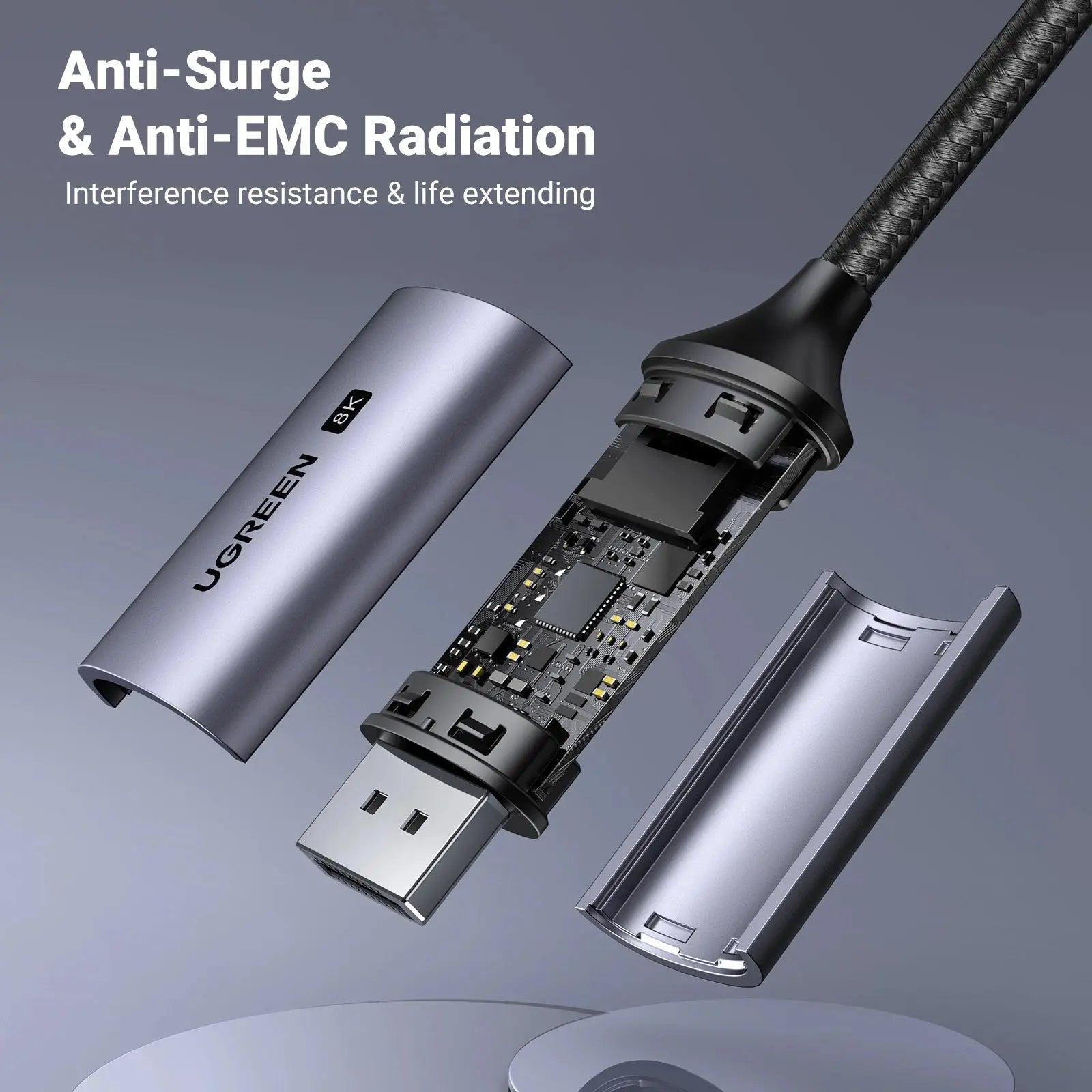
- Aluminium and nylon: braided jacket and metal connectors for a cable that gets moved around.
Made for Life in Nairobi and Across Kenya
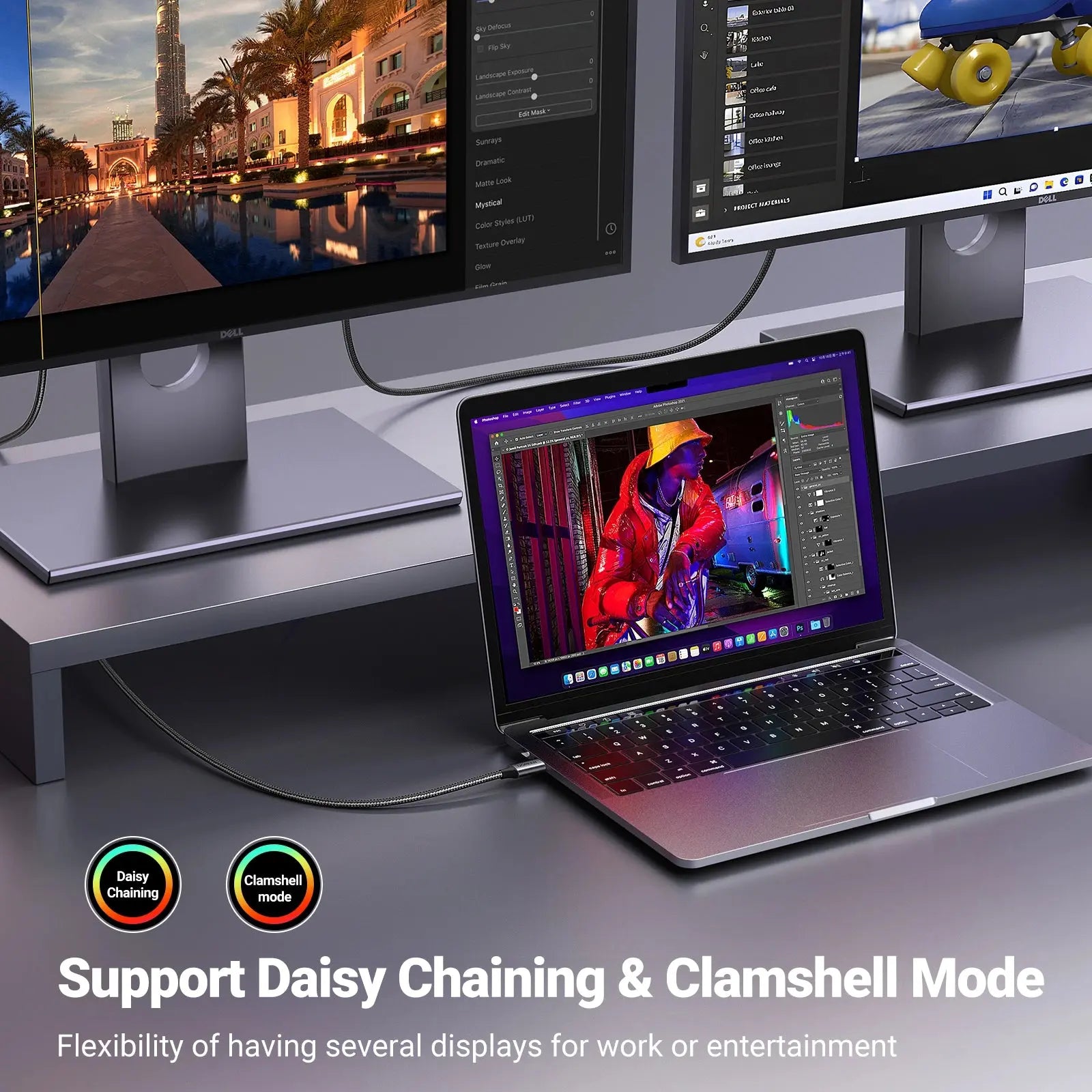
Set up a second monitor at your desk in Westlands or Kilimani, extend your laptop display for spreadsheets and design work, or connect a graphics-card PC to a high-refresh monitor.
Buying and Setup Tips
- Check which video ports your monitor and computer have, and whether your USB-C port supports video output.
- If you want a high refresh rate or 4K, make sure the monitor and the graphics output are rated for it.
- Measure the distance first and choose a length with a little slack.
- Pick 3 m when the device and display are far apart.
- Both ends must support the video mode you want, and the USB-C port needs DisplayPort Alt Mode.
Who It's Perfect For
- Office and remote workers using a second monitor
- Designers, editors and traders who need screen space
- Gamers with high-refresh monitors
- Anyone linking a laptop to a desktop display
Specifications at a Glance
- Brand: UGREEN
- Model: CM556
- Product type: USB-C to DisplayPort cable
- Length: 3m
- Video resolution: 8K at 60Hz
- Connectors: USB-C to DisplayPort
- Standard: DisplayPort 1.4
- Bandwidth: 32.4Gbps
- Maximum video: 8K@60Hz, 4K@144Hz
- Reference: UGREEN USB-C to DisplayPort 8K @60HZ 4K @ 240hz Cable 3M - CM556
Frequently Asked Questions
Does my laptop support video over USB-C?
Only USB-C ports that support DisplayPort Alt Mode or Thunderbolt can output video. Check your laptop specifications.
Can I use it with an HDMI monitor?
Only if the cable has an HDMI end. Match the connectors on both devices to the cable.
Do I lose quality at 3 m?
The cable is listed for 8K at 60Hz at this length, so a full-spec setup should work when your devices support it.
Genuine UGREEN quality, ready for monitors and displays (model CM556). A dependable choice for customers in Nairobi and across Kenya.